Tailor Soft - comes in all sizes
Tailorsoft POS along with Shoper 9 HO and Shoper 9 distributor, is up to task to meet the unique challenges of every retail business. Shoper 9 addresses all point of sale requirements such as billing, discounts and schemes, price management, MIS reporting and also common issues such as data exchange between head office, warehouses and stores.
Tailorsoft -An Overview
POINT-OF-SALE FUNCTIONS
• Order Entry
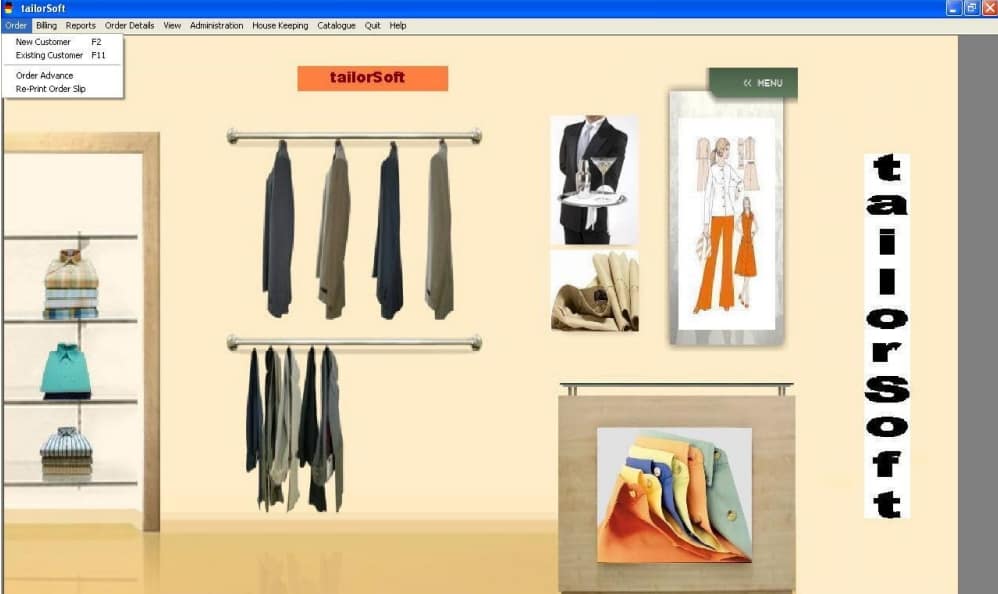
• New Customer
• Existing Customer
•Order Slip Generation
•Order Advance Receive Form
•Re-print order slip
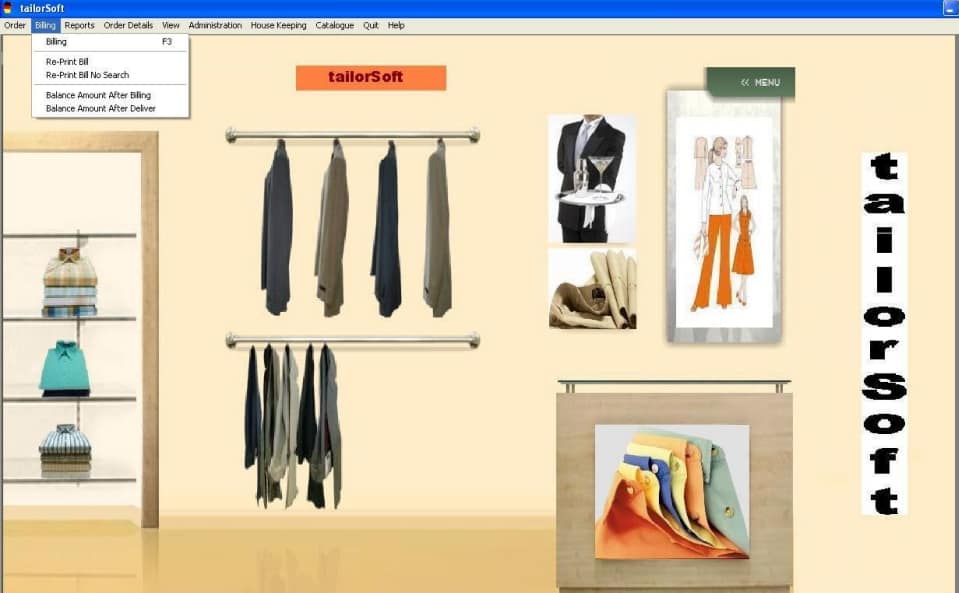
•Billing
•Automatic selection of ordered Items
• Abnormal Entry in Billing
• Discount by Percentage and value
• Re-print bill
Re-print bill search
Pending Bill Balance
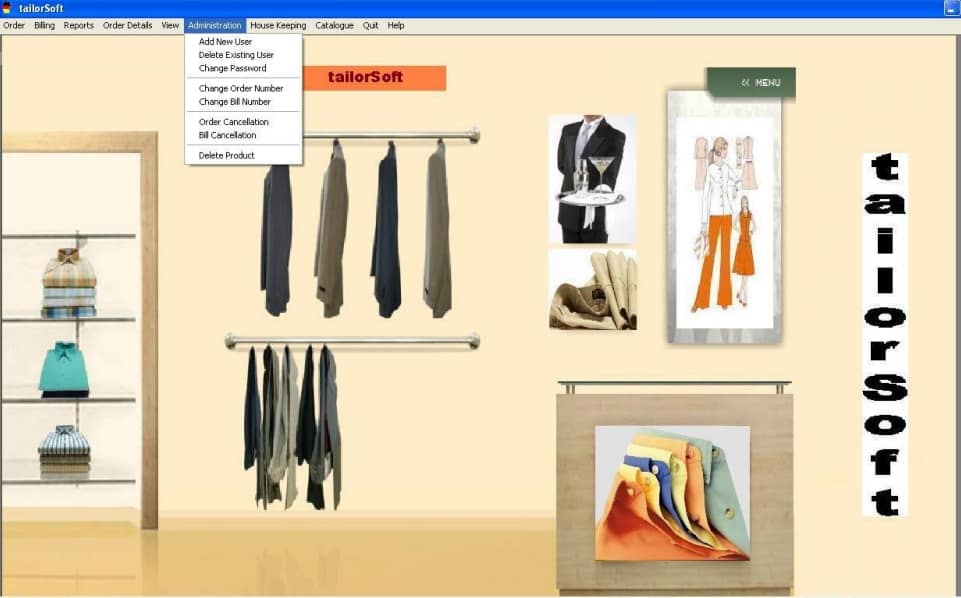
ADMINISTRATION
•Addition of New Users
•Deletion of Existing Users
•Change Passwords
•Order Number Setup
•Bill Number Setup
•Order Cancellation
•Bill Cancellation
•Delete Product
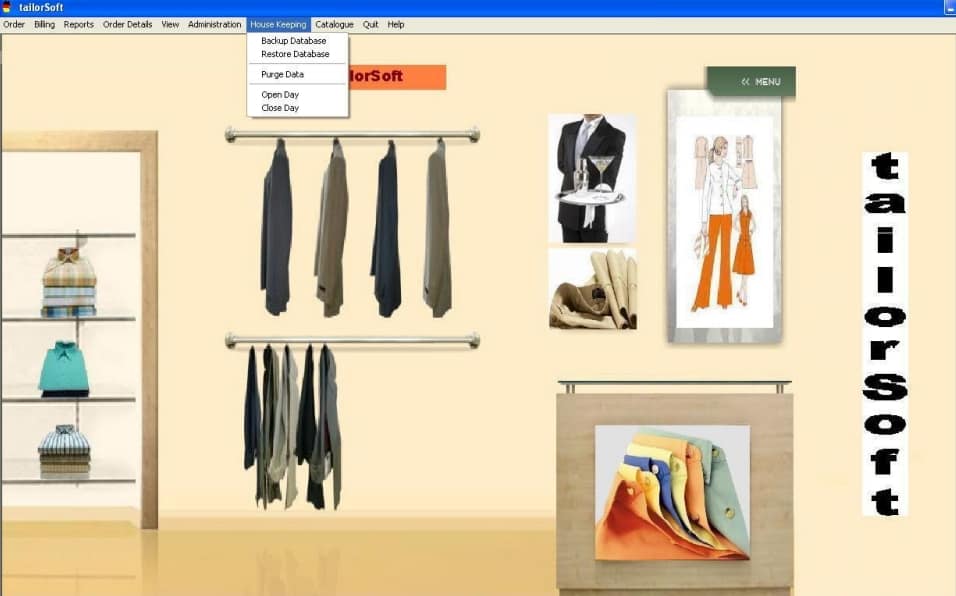
HOUSE KEEPING ACTIVITIES
Backing Up of Database to Floppies Hard Disk
•Restoration of Database from Floppy and Hard Disk
•Day Open / Close
•Purge Data
REPORTS
•Delivery Alert
•Trial Alert
•Pending Orders Alert and No of Days Pending
.•Based on Date of Delivery
•Based on Fabric Ready
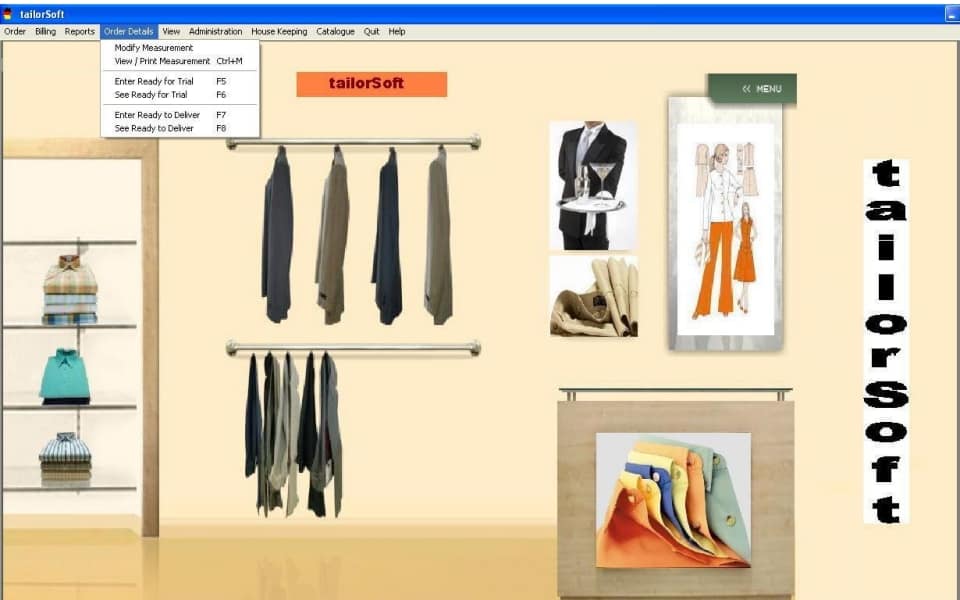
•Ready for Trail
•Ready for Delivery
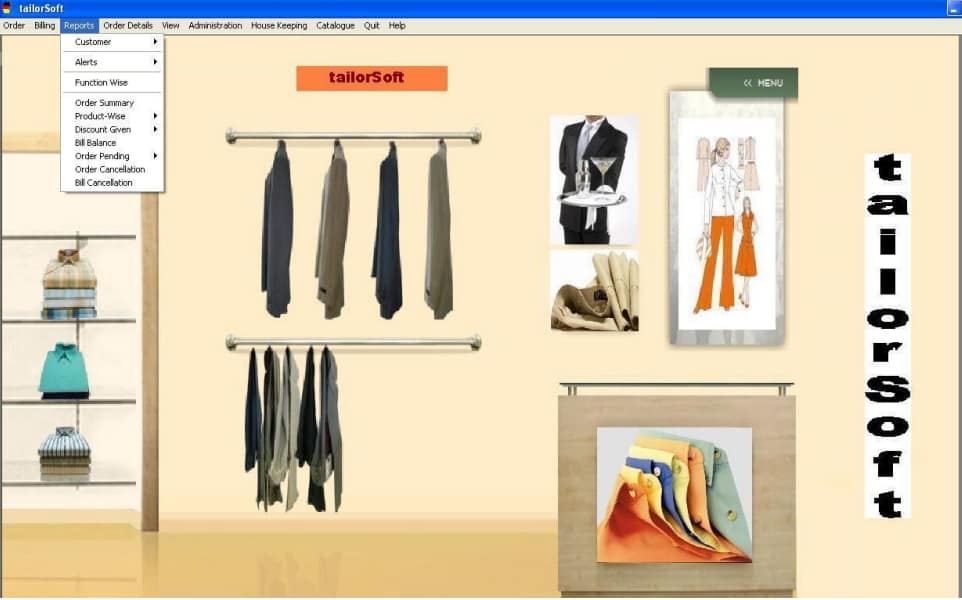
•Customer Report
• Off- Take
• Search
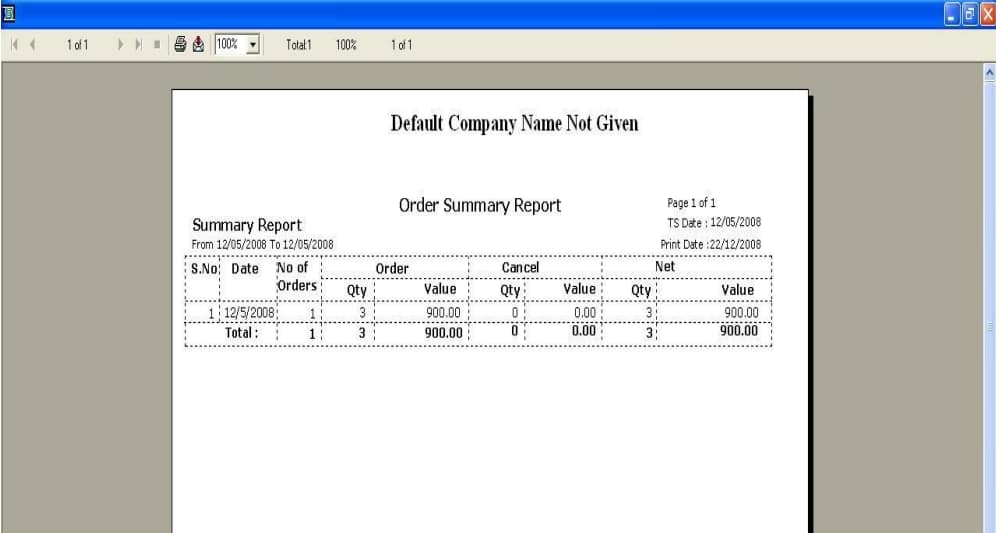
Order Summary Report
•Sales Summary Report
•Product-wise Report
•Sample Measurement Report
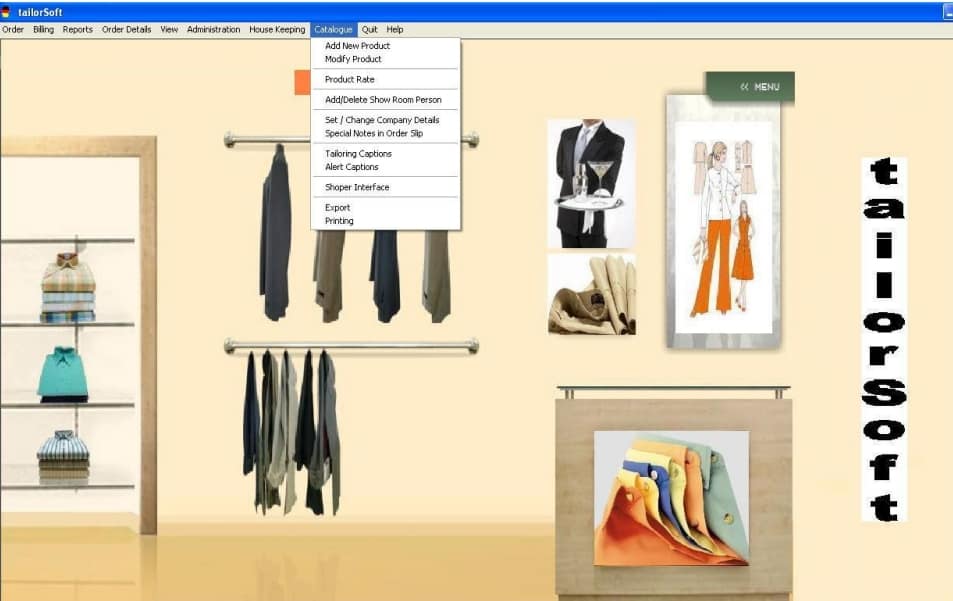
CATALOGUE
•Product Management
•Product Rates
•Sales Man
Measurement Sample
•Door Delivery
•Company Setup
Special Notes on order Slip
• Tailoring / Alert Captions
Production Capacity
Product Type
Shoper Interface
Company Code
•Stock Number
• Vendor Catalog
• Product Tax
• Export Directly To Shoper
BACK-END OPERATIONS
•Measurement details
•Print/Modfify Measurement
•Door Delivery
Complete Status Form
•Recall order No
•Customer Search
•By Name
•By Phone No
•Sample Management
• Damaged Fabrics
REPORTS
•Damaged Fabrics Report
•Door Delivery Report
•Discount Given Report
•Bill Balance Report
•Pending Orders Report
•Order Cancellation Report
•Bill Cancellation Report
TAILOR WISE DETAILS
•FUNCTION REPORTS
• Tailor Wise
• Kacha Work
• Entered By
• Measured By

Tailor Soft HO
HO supports centralised management of indents from the store, generation of consolidated Purchase Orders and integration with warehouses.
Tailor Soft POS/Distributor
Shoper 9 POS is a powerful Point of Sale (POS) software to manage all your retail operations in a store or distributor location.
Tailor Soft – Product Editions
Choose from three product editions – Silver, Gold, and Diamond – based on your business type and requirement.
Main Menu of Tailorsoft
1. New Order
2. Billing
3. Reports
4. Order Details
5. Administration
6. Housekeeping
7. Catalogue
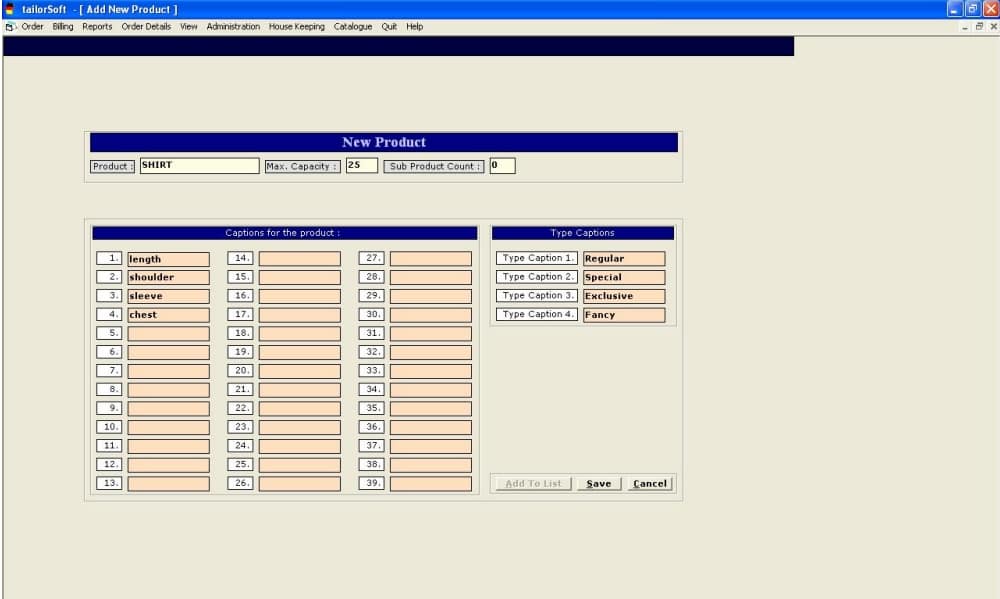
New Product Creation
Max Capacity is the Capacity of Production in a Single Day of Shirts in the Tailoring unit. This
information will help during order Booking
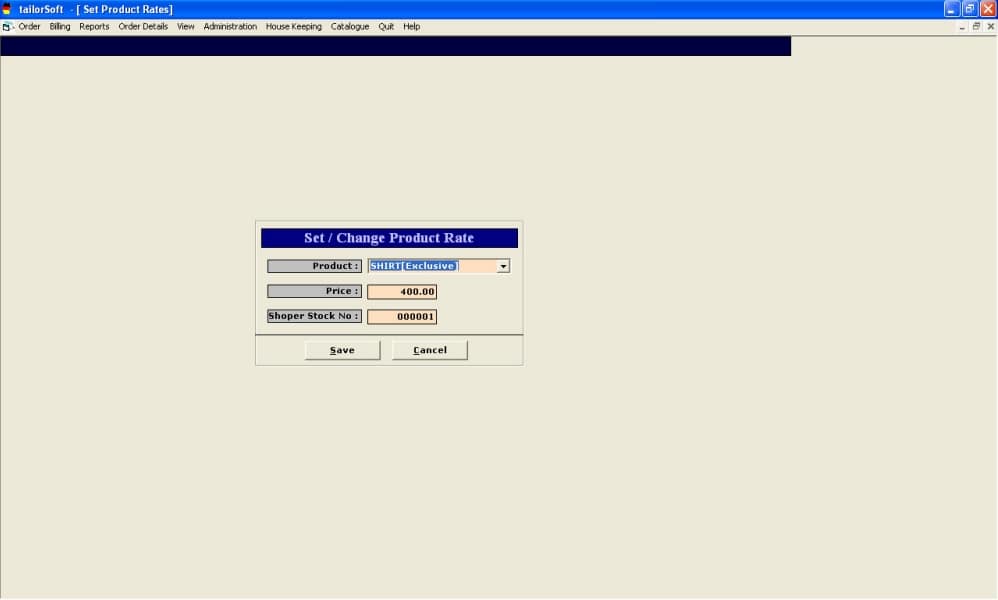
Cataloging the Stitching /Tailoring Charges
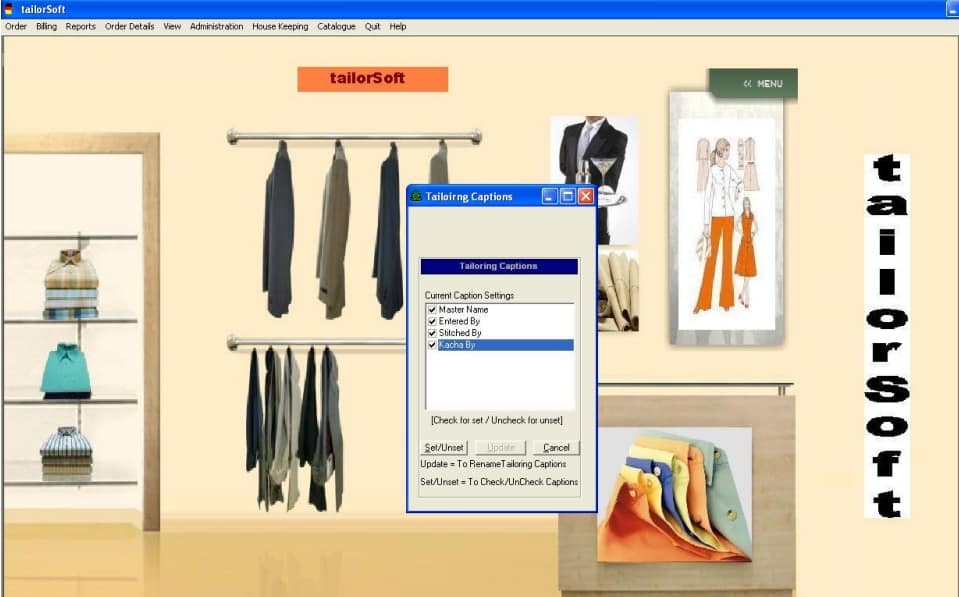
Configuring the Tailoring Captions
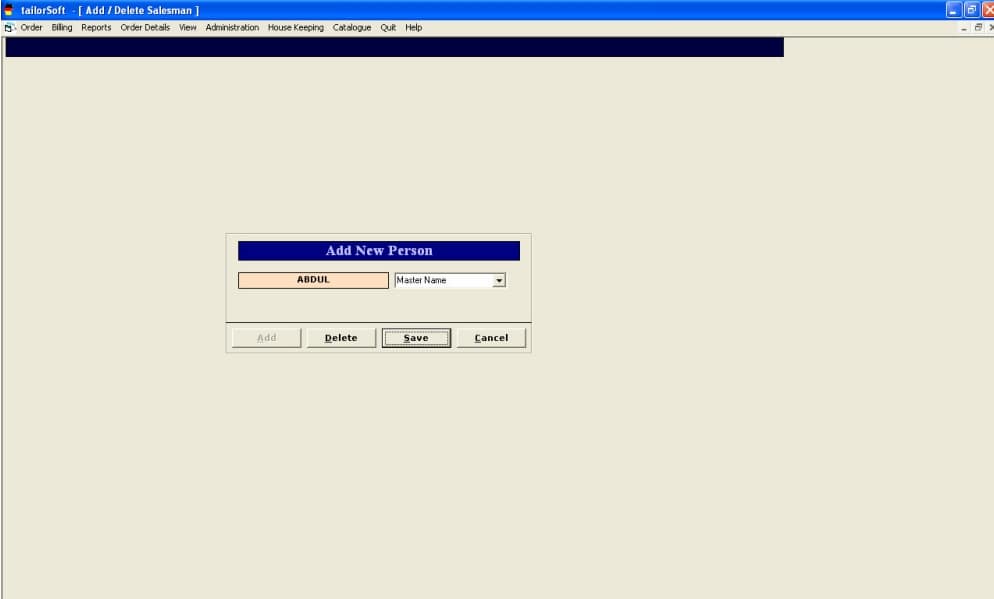
To Catalog the Master Name
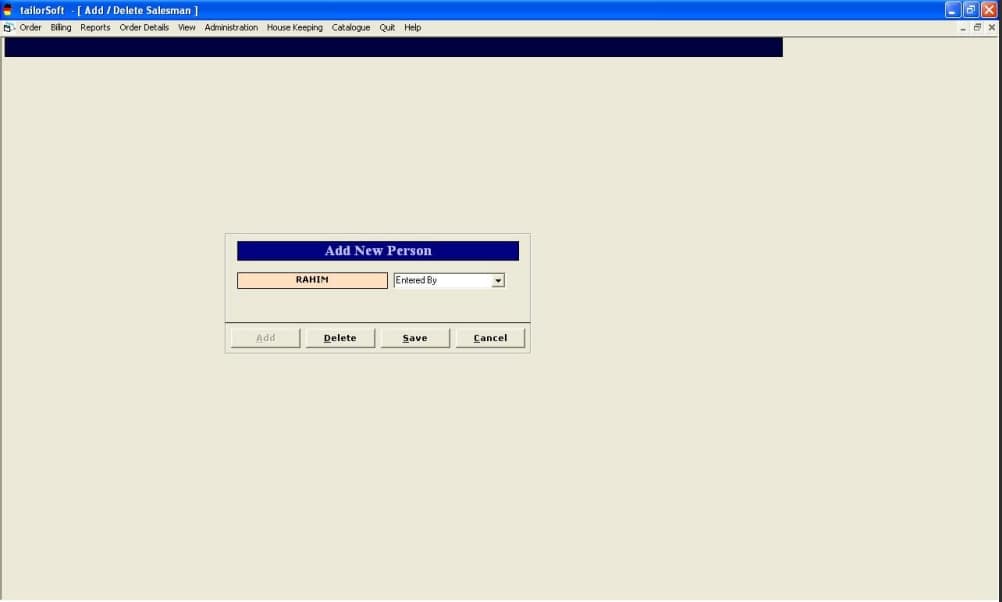
To Catalog the Person who Enters the Measurements in Tailorsoft
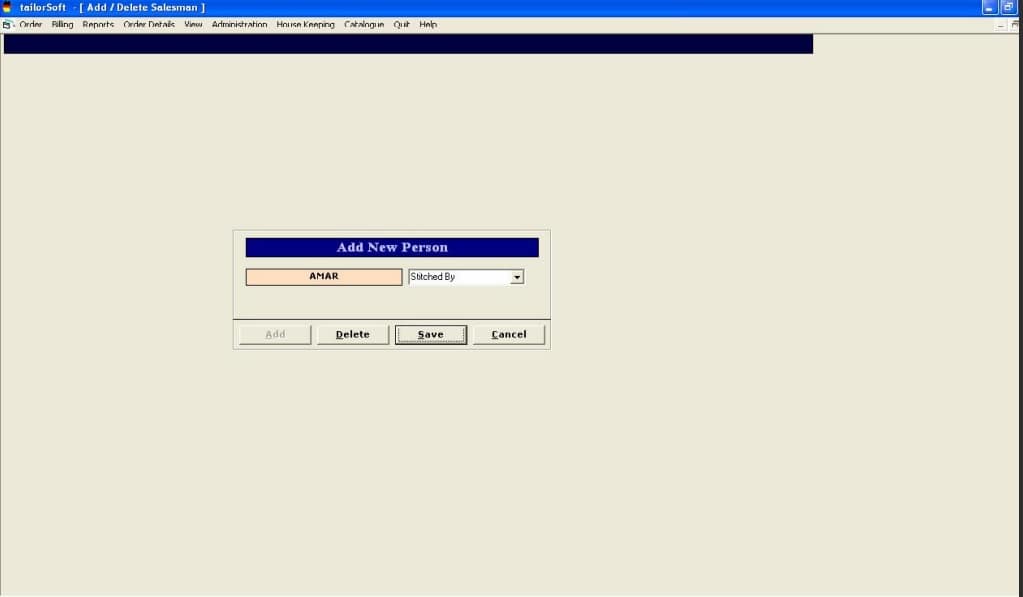
To Catalog the Tailor Name
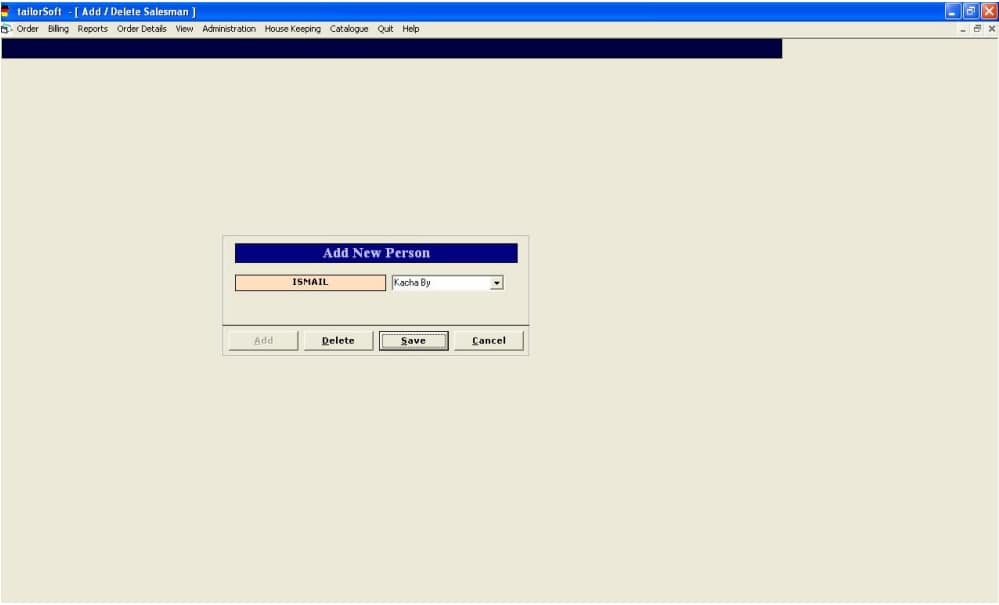
To Catalog the Person doing Kacha Work for Eg Kaja for Buttons
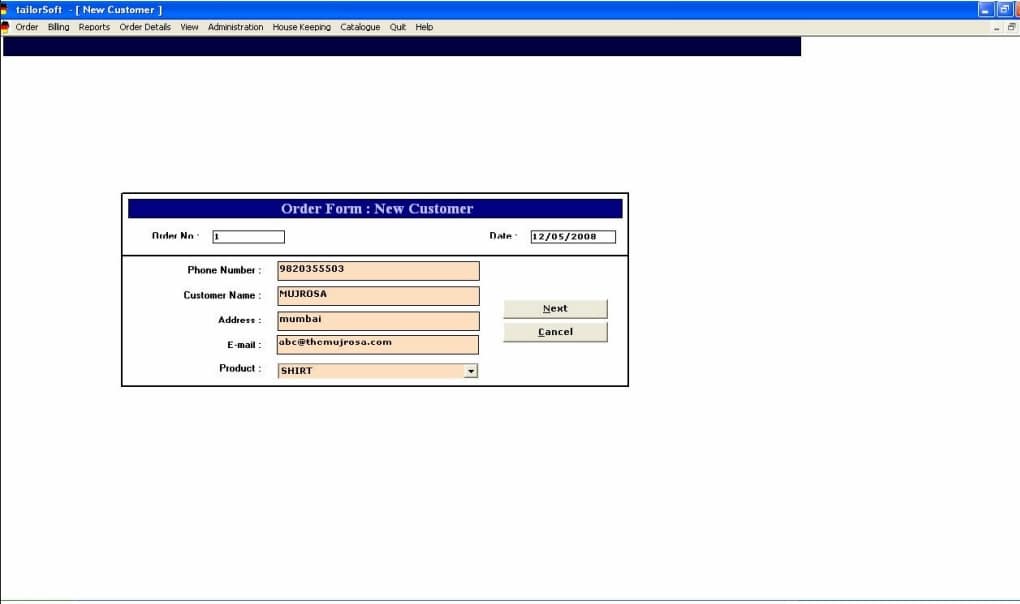
Taking an order from the Customer
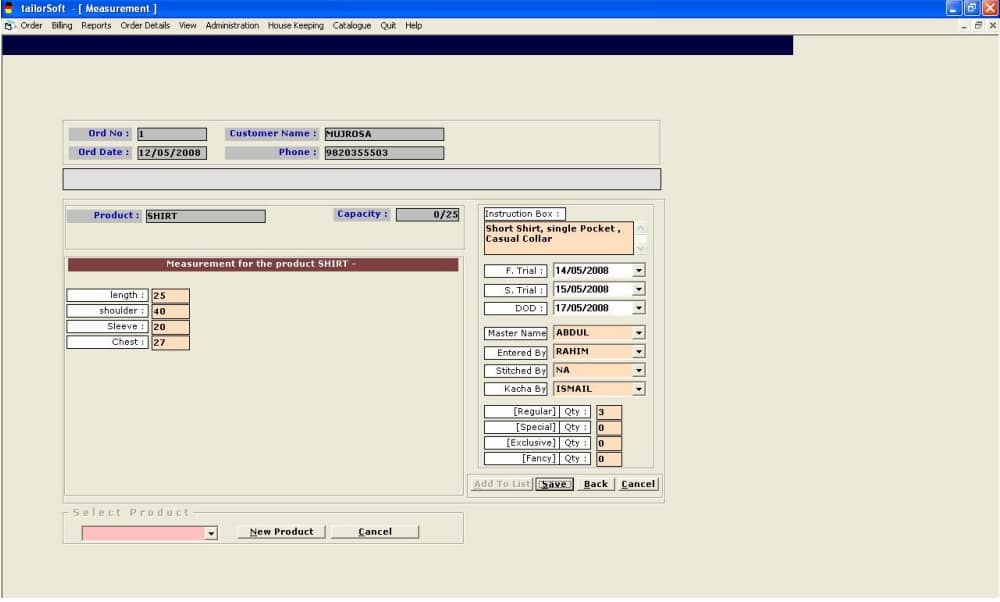
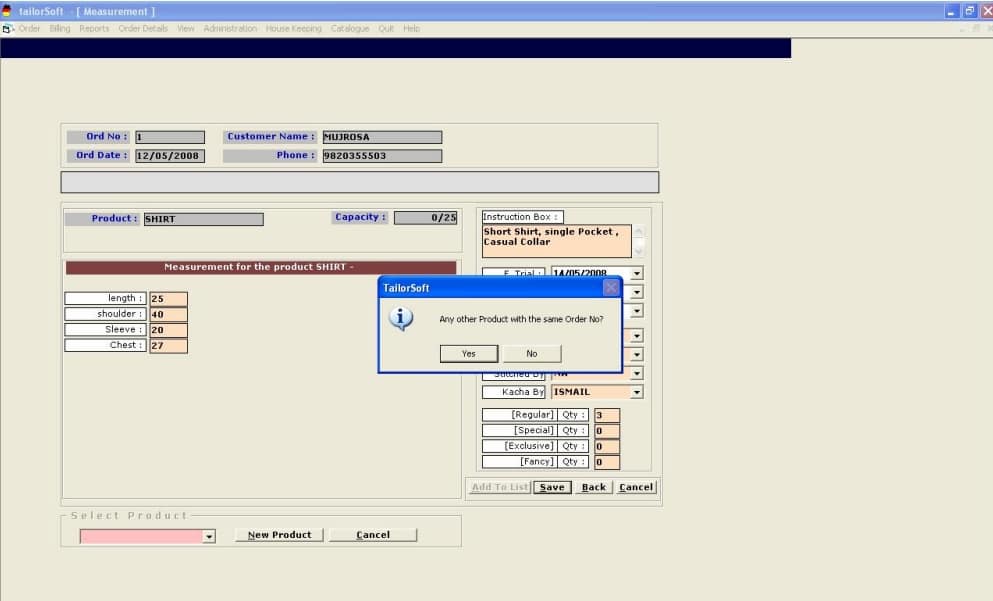
Entering Measurements
While Saving the Measurements, System will ask for entering Another Product
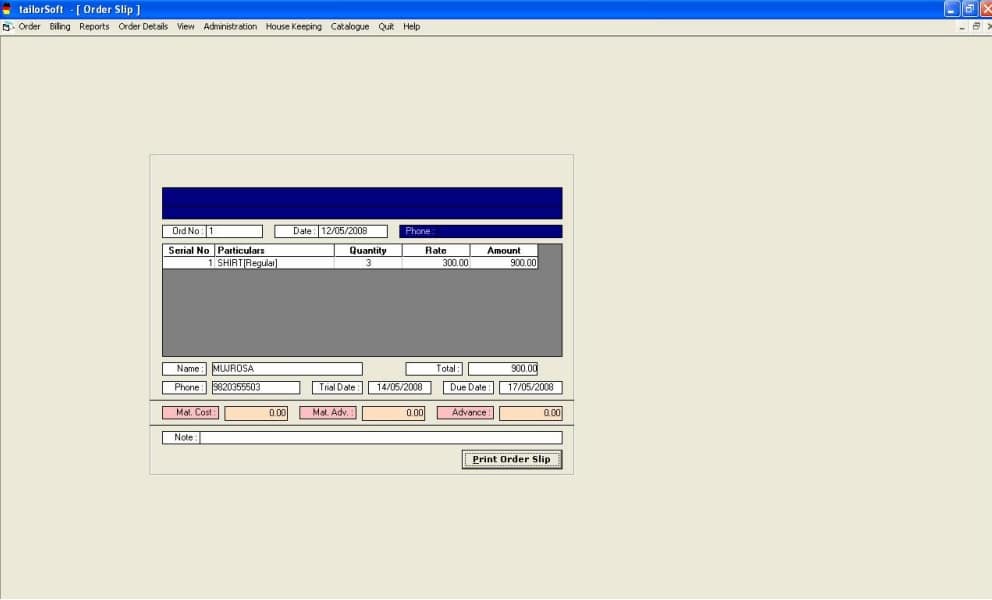
Order Slip Printing
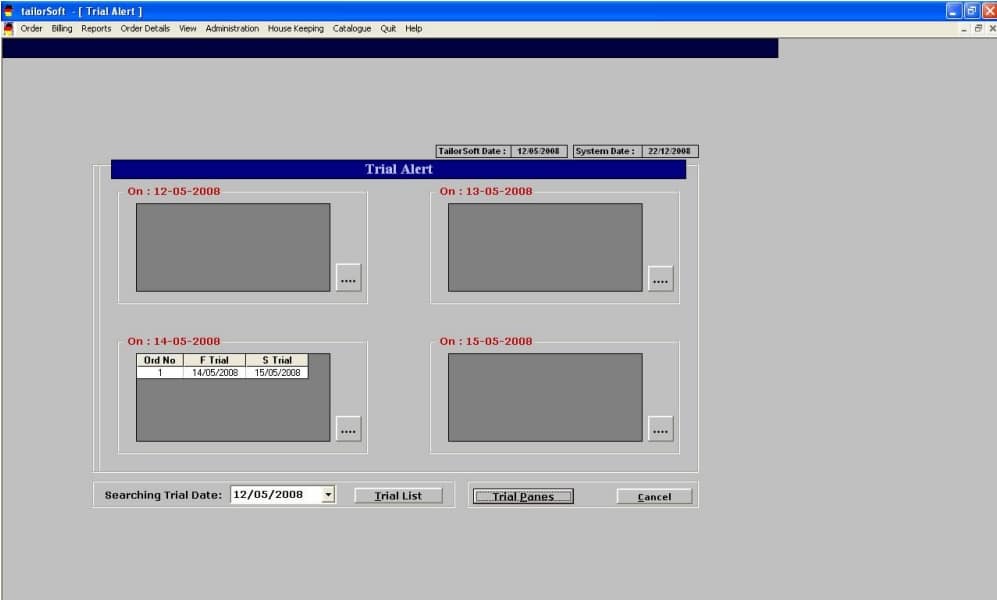
To Know What are Trial Commited for the Next 4 Days
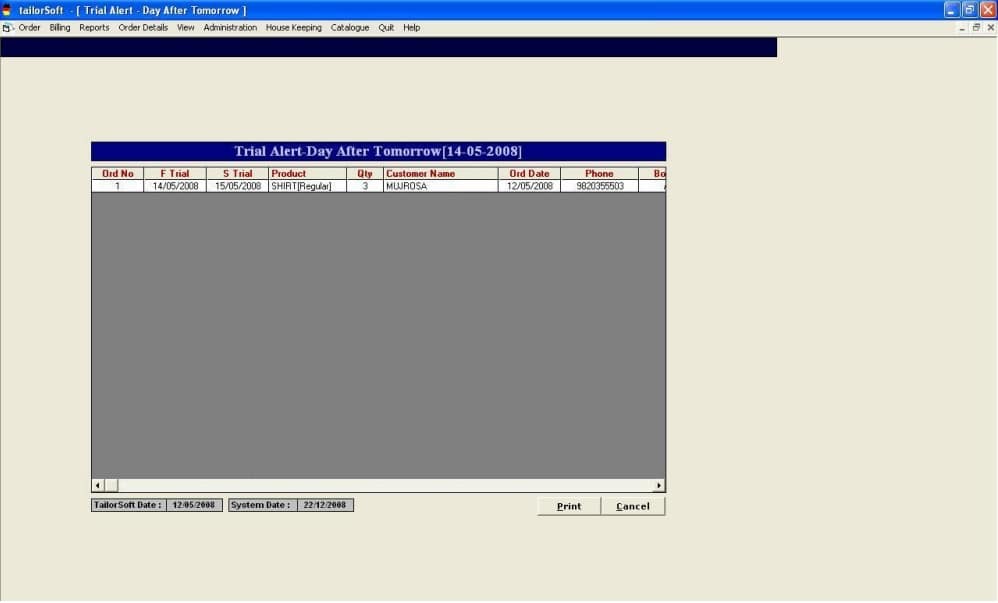
Further Details of Trial on 14/05/2008
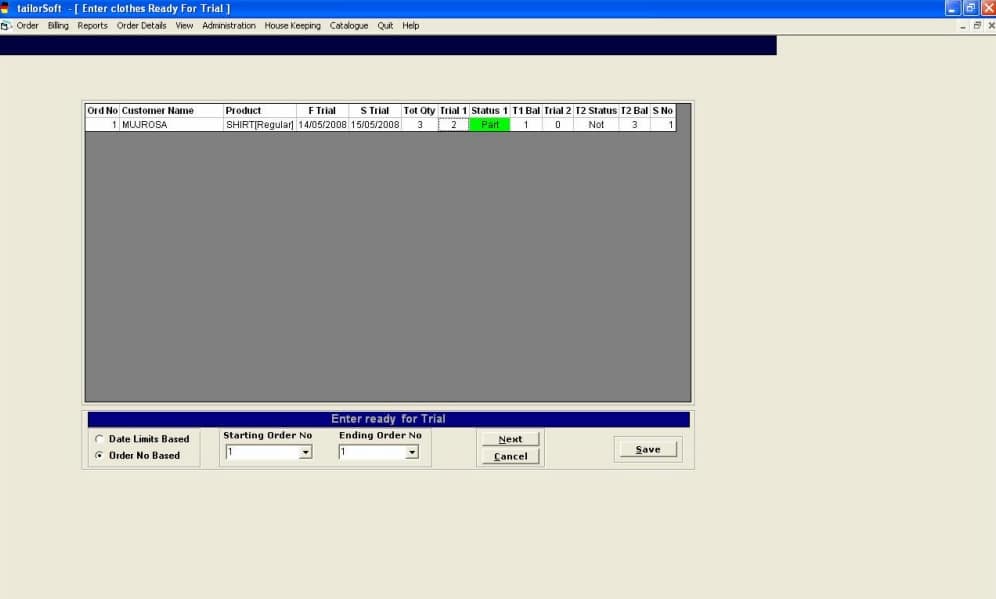
Once the Goods are ready for Trial , Entering READY FOR TRIAL
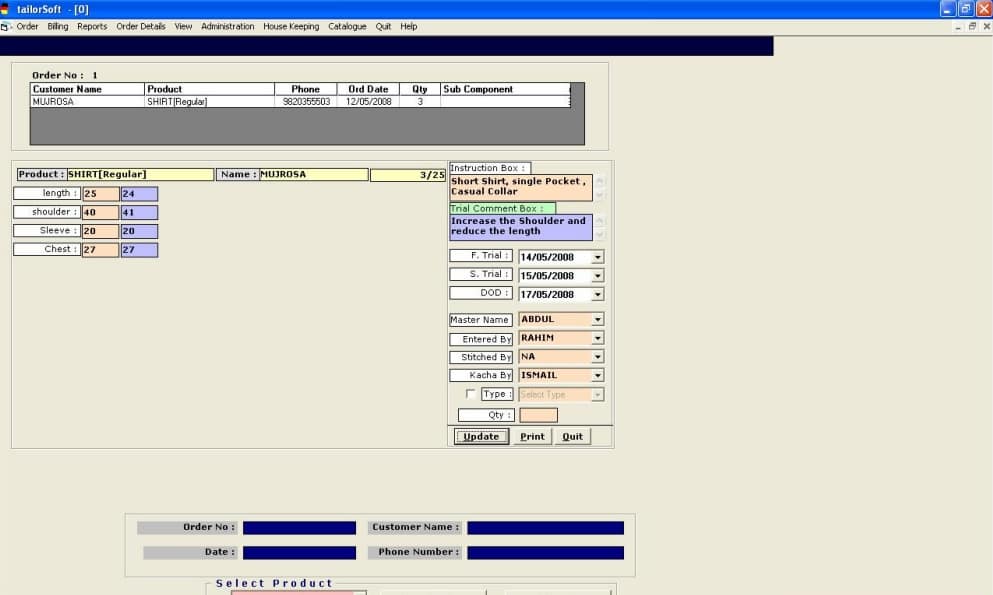
After Trial any changes in the Measurement – MODIFY MEASUREMENT
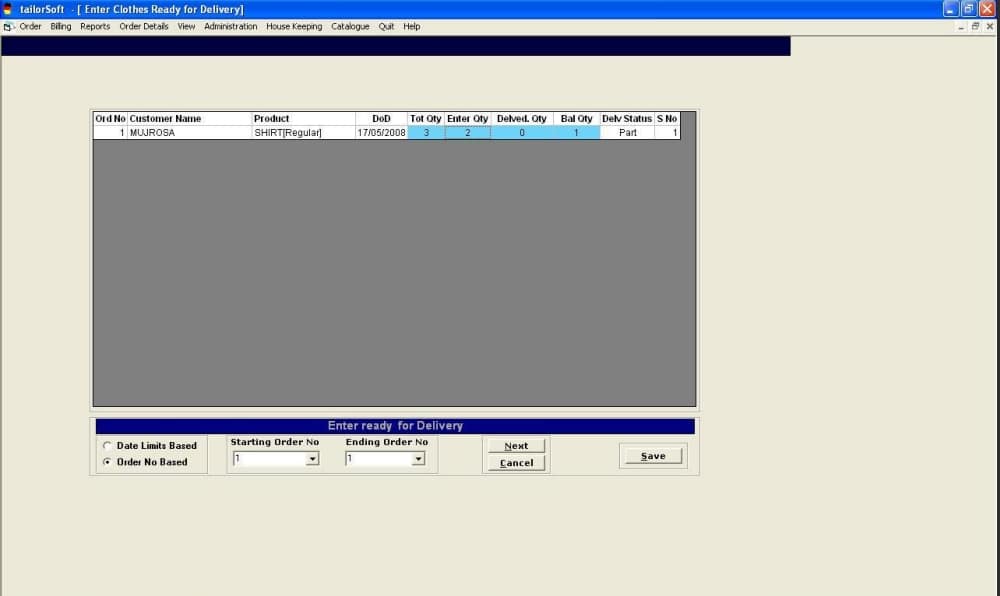
After Trial To ENTER READY FOR DELIVERY
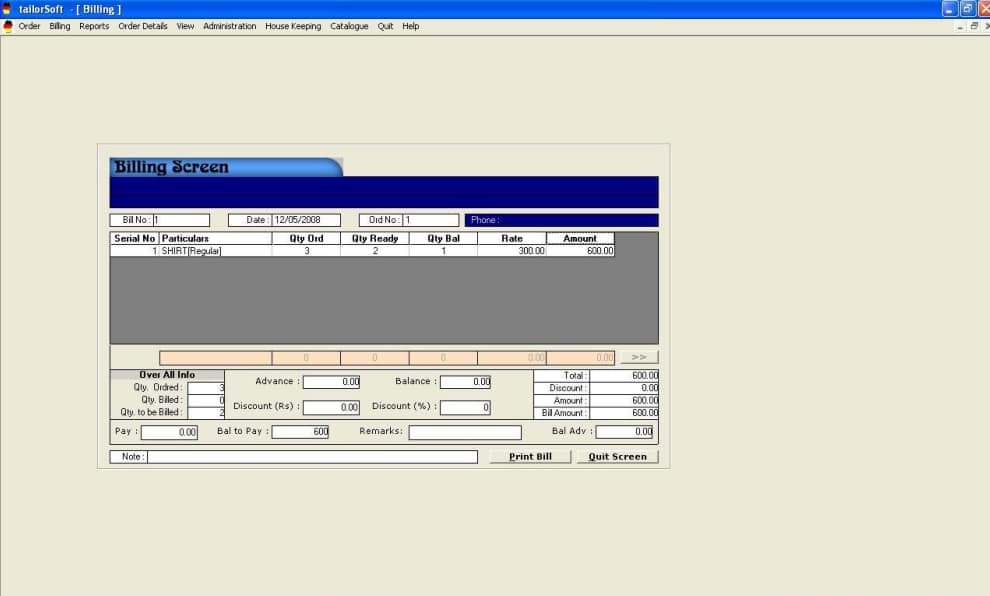
Billing after READY FOR DELIVERY
Order Summary Report
7. Help